Choosing a HubSpot onboarding partner for your B2B SaaS company is one of those decisions that looks simple on the surface but makes a significant difference once your CRM is live.
This guide breaks down the seven capabilities your partner should demonstrate before you sign anything.
Quick guide: 7 HubSpot onboarding capabilities for B2B SaaS
- CRM architecture design: The foundation for every workflow, report, and automation you will build
- Data migration and cleanup: Moving your existing records without breaking reports or creating duplicates
- Marketing automation setup: Configuring lead nurturing, email sequences, and scoring that match your funnel
- Integration with messaging channels: Connecting WhatsApp, WeChat, and regional platforms to your CRM
- Custom object configuration: Building data models that fit SaaS subscription and renewal tracking
- Team onboarding and enablement: Training your team to adopt and use HubSpot daily
- Post-launch support and optimisation: Refining workflows and dashboards after go-live
How we chose the best HubSpot onboarding capabilities for SaaS
We looked at what separates successful HubSpot rollouts from stalled implementations. The common thread was whether they could handle the specific complexity of SaaS sales cycles, multi-touch attribution, and regional messaging platforms.
- Pipeline visibility: Can the partner configure lifecycle stages and deal pipelines that reflect how your SaaS buyers purchase?
- Data integrity: Do they have a documented process for cleaning and migrating existing CRM data without creating duplicates?
- Automation depth: Can they build workflows that route leads, trigger follow-ups, and surface high-intent signals?
- Regional platform support: Do they connect HubSpot with WhatsApp, WeChat, and Xiaohongshu—or only Western tools?
- Adoption focus: Will they train your team on daily usage, not just hand over configuration documentation?
- Ongoing partnership: Do they stay engaged after launch to refine reporting and workflows?
The 7 best HubSpot onboarding capabilities for B2B SaaS
1. CRM architecture design: Best foundation for SaaS growth
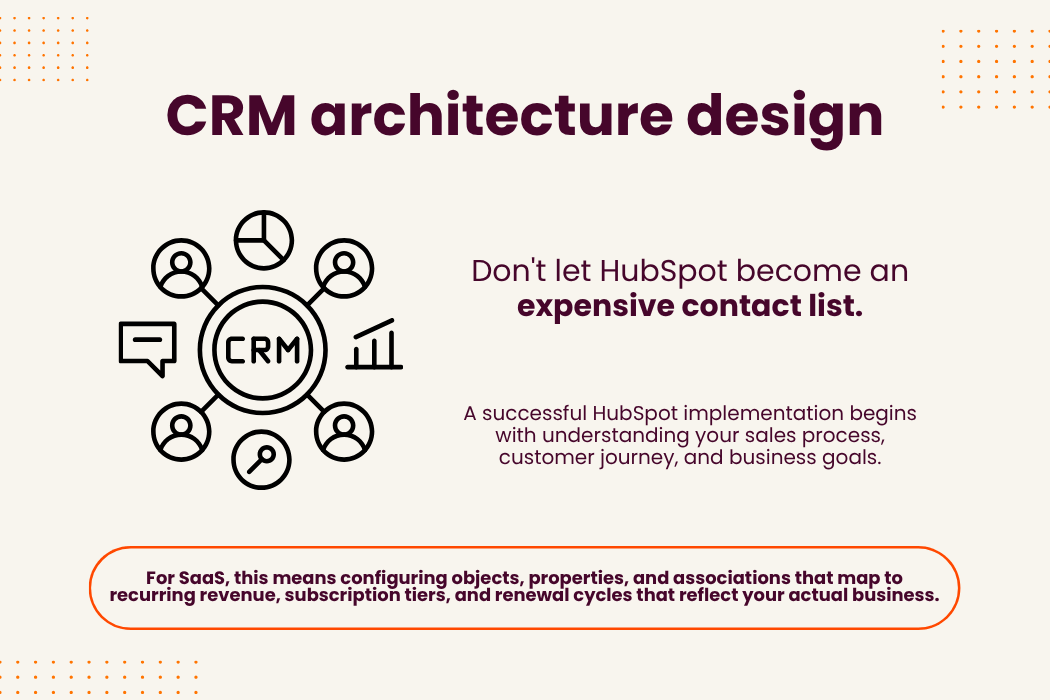
CRM architecture determines whether your HubSpot instance becomes a growth engine or an expensive contact database. For SaaS, this means configuring objects, properties, and associations that map to recurring revenue, subscription tiers, and renewal cycles.
CRM architecture design benefits:
- Lifecycle alignment: Stages that match your actual buyer journey, not generic MQL/SQL definitions that do not fit SaaS sales
- Revenue visibility: Dashboards showing ARR, MRR, churn, and expansion revenue tied to specific campaigns and touch points
- Scalable foundation: Object relationships that support growth without requiring a rebuild at 500 or 5,000 contacts
- Team alignment: Shared definitions that eliminate disagreements between marketing and sales on lead quality
- Reporting accuracy: Clean data models that produce trustworthy forecasts instead of numbers with 60% variance
Limitations:
- Requires upfront discovery to document existing processes before configuration
- May surface gaps in current sales process definitions that need team alignment
- Initial setup takes longer than plug-and-play templates—but prevents rework later
2. Data migration and cleanup: Moving records without breaking reports
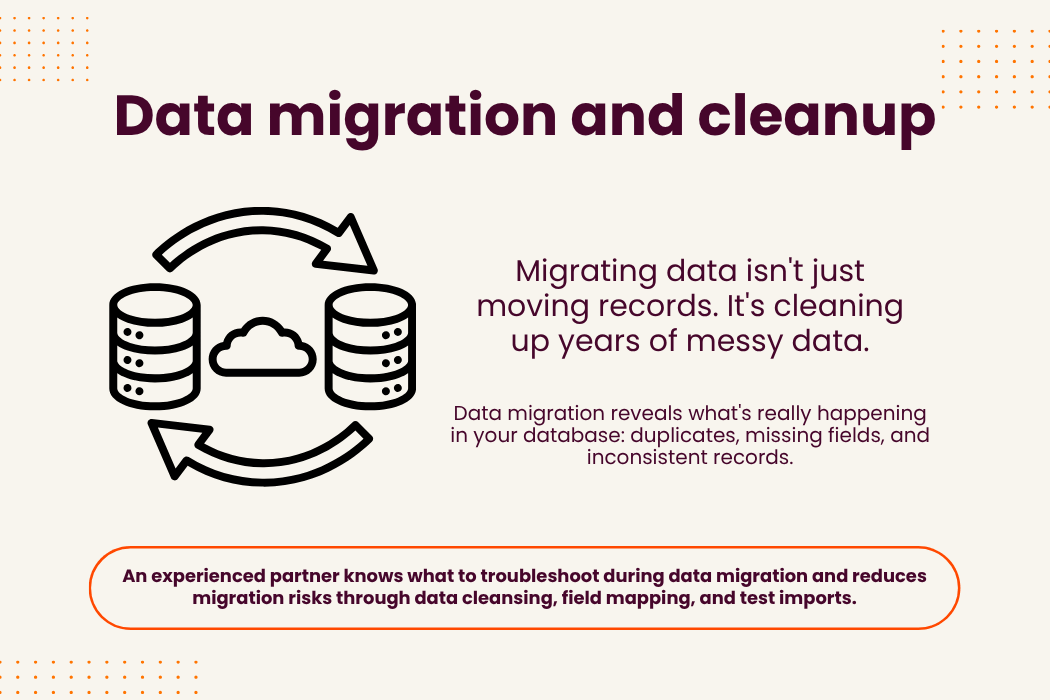
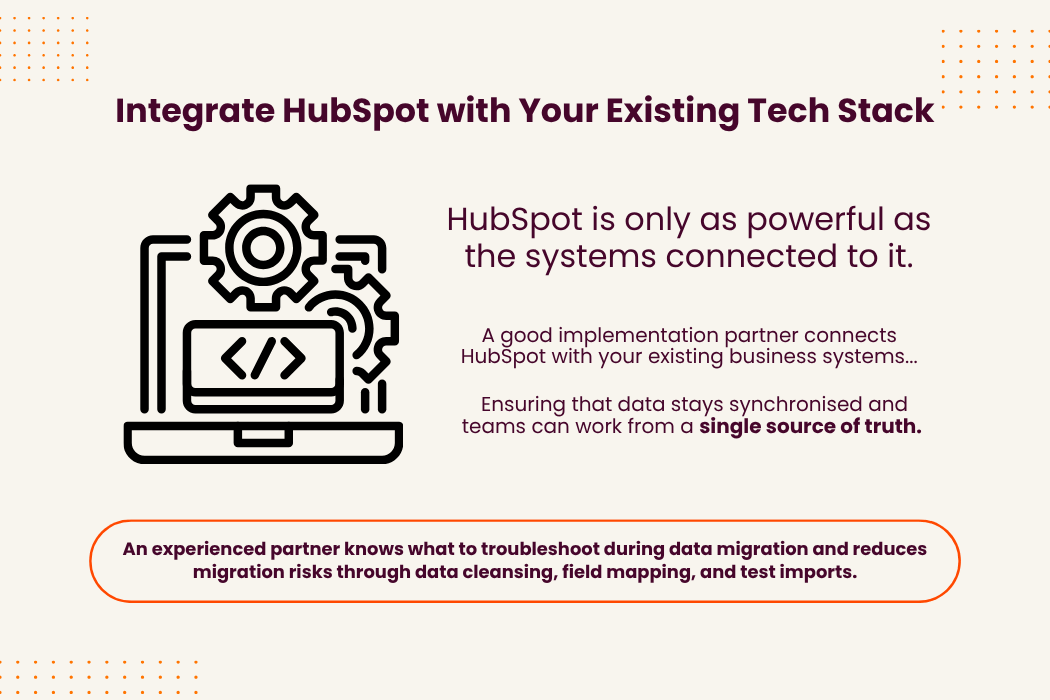
Data migration is where many implementations stall. Moving contacts, companies, and deals from spreadsheets or legacy CRMs sounds straightforward, but the reality involves duplicate records, missing fields, and associations that do not map cleanly to HubSpot's structure.
A capable partner normalises your data before migration, establishes field mapping documentation, and runs test imports before the final cutover. They also handle the historical data question: do you migrate everything, or archive old records that will clutter reports?
Data migration benefits
- Clean starting point: Deduplicated records and standardised field values from day one
- Historical continuity: Activity timelines preserved so you can see past interactions with each contact
- Report accuracy: Consistent data that produces reliable pipeline and revenue forecasts
Limitations:
- Requires collaboration with your team to map legacy fields to HubSpot properties
- May uncover data quality issues that existed in the source system
- Large migrations need a parallel testing period before full cutover
If you are on the fence on getting a CRM:
Check out our related article on When to switch from Excel spreadsheets to a CRM to learn the signs on when it is time to upgrade your method of data logging.
3. Marketing automation setup: Workflows that match your funnel
Marketing automation goes beyond email templates. For SaaS, it involves lead scoring, nurture sequences, re-engagement campaigns, and workflows that move contacts through lifecycle stages based on behaviour—not just form fills.
A partner with automation depth configures workflows that route leads to the right sales rep, trigger follow-ups based on page visits or content downloads, and flag SLA risks when leads sit too long without contact.
Marketing automation benefits
- Lead scoring: Prioritise high-intent leads based on engagement signals rather than gut feel
- Nurture sequences: Automated email journeys that educate prospects until they are ready for sales
- Re-engagement campaigns: Workflows that reactivate dormant contacts with targeted content
Limitations:
- Requires defined buyer personas and journey mapping before configuration
- Ongoing content creation needed to fuel nurture sequences
- Initial workflow setup needs periodic review as your product and audience evolve
4. Integration with messaging channels: Connecting regional platforms
B2B SaaS companies in Singapore often run sales conversations across WhatsApp, WeChat, and Xiaohongshu. If these channels do not sync to HubSpot, you end up with fragmented data and manual logging that nobody maintains.
NetFarmer connects HubSpot to regional messaging platforms through MsgBox, our unified communication hub. This means conversations from WhatsApp, WeChat, and Xiaohongshu appear in the contact timeline, and leads captured in those channels automatically create CRM records.
Messaging integration benefits
- Unified inbox: Manage conversations across WhatsApp, WeChat, and Xiaohongshu from one interface
- Automatic lead capture: Messages create contact records in HubSpot without manual data entry
- Complete activity timeline: Sales reps see full conversation history alongside email and call logs
Limitations:
- Requires API access to each messaging platform for full integration
- Team training needed to adopt the unified inbox workflow
- Some platforms have message archiving requirements that need configuration
5. Custom object configuration: SaaS-specific data models
Standard HubSpot objects—contacts, companies, deals, tickets—cover most CRM needs. But SaaS companies often track subscriptions, product usage, feature adoption, and renewal milestones that do not fit neatly into default objects.
Custom objects let you model subscription tiers, usage metrics, and expansion opportunities in HubSpot. This enables reporting on metrics that matter: net revenue retention, expansion MRR, and product-qualified leads.
Custom object benefits
- Subscription tracking: Model recurring revenue, renewal dates, and plan tiers as CRM objects
- Usage data: Bring product analytics into HubSpot to identify upsell and churn signals
- Expansion reporting: Track cross-sell and upsell opportunities as distinct pipeline stages
Limitations:
- Requires planning to define object relationships and avoid redundant data
- Needs integration with your product database to populate usage metrics
- More complex setups may require agency or developer support for API connections
6. Team onboarding and enablement: Driving daily adoption
HubSpot only delivers value if your team uses it. A partner that hands over documentation and disappears is not setting you up for success. Enablement means role-based training, video walkthroughs, and office hours where your team can ask questions.
NetFarmer trains staff for quick CRM adoption and effective daily use. Our onboarding includes hands-on sessions where reps practice logging activities, updating deal stages, and running reports—not just watching slides.
Team enablement benefits
- Role-based training: Sales, marketing, and service teams learn the workflows relevant to their jobs
- Adoption support: Office hours and async Q&A to address questions as they arise
- Usage monitoring: Reports that show which team members are using HubSpot and where adoption lags
Limitations:
- Requires calendar time from your team during the training period
- Some team members need multiple sessions to build confidence
- Adoption varies by role—customer success may need different support than sales
7. Post-launch support and optimisation: Refining after go-live
The first 90 days after launch reveal what the initial setup got right and what needs adjustment. A partner that stays engaged helps you refine lifecycle definitions, add new automation triggers, and update dashboards as your understanding of the data deepens.
According to research on HubSpot implementation outcomes, achieving a clean pipeline view typically takes 6-14 weeks from kickoff when companies have honest historical data.
Post-launch support benefits
- Workflow refinement: Adjusting automation rules based on real performance data
- Dashboard iteration: Adding reports that answer questions you did not know you had at launch
- Ongoing optimisation: Regular reviews that keep HubSpot aligned with your evolving sales process
Limitations:
- Requires ongoing time commitment for review meetings
- Some optimisations depend on having enough data volume to identify patterns
Comparison table: HubSpot onboarding capabilities for SaaS companies
| Capability | NetFarmer | Direct HubSpot | Generic Partners |
|---|---|---|---|
| WhatsApp/WeChat integration | ✓ | ✗ | ✗ |
| SaaS-specific CRM architecture | ✓ | ✗ | ✗ |
| Post-launch optimisation | ✓ | ✗ | ✗ |
What questions should you ask a HubSpot onboarding partner?
Asking the right questions during your partner evaluation reveals whether they can handle your specific requirements. Focus on capability depth rather than tier badges or years in business.
Start with architecture questions: ask how they document existing sales processes before configuration. A partner who jumps straight to portal setup is likely working from a template rather than your actual workflows.
Then ask about failures: A partner who can describe a project that went wrong—and what they learned—has more relevant experience than one who claims every engagement succeeds. Real implementation work involves unexpected data quality issues, team adoption resistance, and integration challenges.
Why NetFarmer is the best HubSpot onboarding partner for SaaS
NetFarmer brings capabilities that generic HubSpot partners lack: integration with Asian messaging platforms, SaaS-specific CRM architecture, and post-launch support that keeps your system aligned with business goals.
As a HubSpot Platinum Partner trusted by businesses across Asia, NetFarmer delivers measurable results. We focus on outcomes, not just configuration—because HubSpot only delivers value if it is used correctly.
If you are evaluating HubSpot onboarding partners for your Singapore or APAC based SaaS company, book a strategy call with NetFarmer to discuss your specific requirements.
.png)