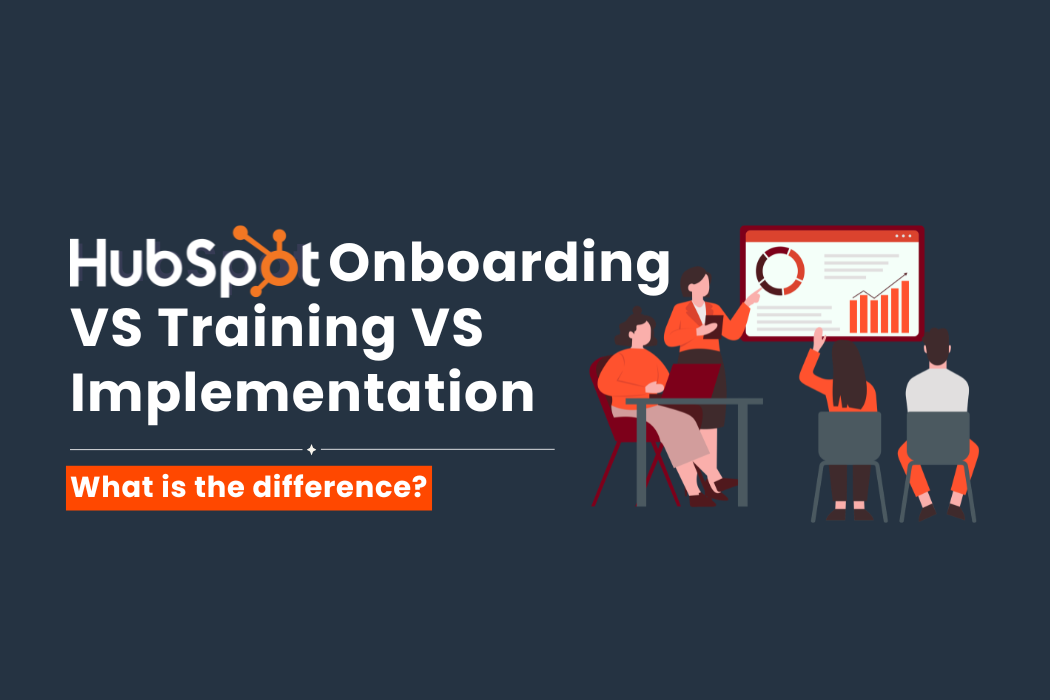
HubSpot Implementation vs Onboarding vs Training at a glance:
Think of HubSpot like setting up a new office...- Implementation: Hiring experts to assemble and customise the furniture for your workspace
- Onboarding: Someone guides you with setting up your workspace, shows you where everything is, and help you familiarise with the tools you'll use every day.
- Training: Learn how to use tools in your workspace more effectively and discover advanced features that help your team work smarter.
Each solves a different problem.
Introduction:
When businesses come to us for consulting on HubSpot services, they tend to assume that Implementation, Onboarding, and Training are different names for the same thing.
It is an easy mistake to make. The three services sound similar, and all help businesses adopt HubSpot.
In reality, they serve different purposes, come with different deliverables, and vary in scope, timelines, ownership, and pricing. Knowing which service you actually need can save time and budget while setting the right expectations from day one.
In This Article:
- Why are these three services are often confused?
- What does HubSpot Onboarding include?
- What does HubSpot Implementation include?
- What does HubSpot Training include?
- Which service does your business actually need?
- Preventing mismatched expectations
Why are these three services are often confused?
They all happen around the same time in a HubSpot journey. A company buys the platform, sets it up, and tries to get teams using it.
As a client or buyer looking from the outside, that looks like one continuous process.
HubSpot itself separates them more clearly.
-
Onboarding is about getting started with the platform.
-
Implementation covers deeper technical and business configuration.
-
Training focuses on user capability, adoption and development, usually tied to a specific training purpose. (eg. sales team refresher)
The confusion usually comes from treating all three as “setup”.
What does HubSpot Onboarding include?
HubSpot onboarding is a guided process that typically takes one to three months, depending on the Hub purchased. It is designed to help customers get started with standard features and set up the platform correctly. The experience is collaborative by design, and closer to “teach me how to get started” than “do it for me”.
According to HubSpot, onboarding helps customers “quickly get started with the tools and features included in their subscription” HubSpot, 2024.
In practice, onboarding typically covers:
- Team alignment and initial orientation based on your goals
- Guidance on basic portal, system setup and configuration
(eg.user invitations, permission settings, seat allocation) - Activation of core tools like contacts, pipelines, and email linking
- Introductory training on navigation and features
Training on tools they need for everyday use based on their goals discussed in first kickoff session
See more details on HubSpot's onboarding page here.
Onboarding, which typically takes place soon after getting HubSpot, helps teams get off to the right start. It focuses on setting up the platform correctly, learning how to use the tools included in your Hub, and aligning your team on how HubSpot will support your business goals.
Key Difference: onboarding is designed to help you launch successfully using HubSpot's onboarding framework. You'll be guided through the essential setup and learn the core features included in your subscription, but it does not extend to extensive customisation or complex implementations.
For example: a small B2B team moving from spreadsheets to HubSpot CRM usually fits here. They need structure and direction, not heavy customisation.
**Onboarding is mandatory for businesses that get the Professional or Enterprise subscription tiers.
Good onboarding sets the tone for everything that follows
The right start isn't about ticking off setup tasks. Whether you're setting up your first CRM, Marketing Hub, or Service Hub, we provide the guidance, structure, and confidence to make HubSpot part of your team's everyday workflow.
What does HubSpot Implementation include?
HubSpot implementation is a broader service designed for businesses whose requirements go beyond standard onboarding. Unlike onboarding, which focuses on helping customers learn and configure HubSpot themselves, implementation is typically partner-led and closer to "do it for me".
While HubSpot does not always package “implementation” as a single product, its partner ecosystem defines it as: the work required to configure, customise, and integrate HubSpot to support a business's unique processes and systems.(HubSpot CRM Implementation.)
Implementation usually includes:
- Data migration from legacy systems or past CRMs
- Custom pipeline and lifecycle configuration
- Integration with external tools such as ERP systems, external software
- Advanced automation and workflow design
- Custom properties, reporting, and data model configuration
- Process design tailored to your sales, marketing, and service operations
Key Difference: complexity. Implementation is required when your business processes, data, or technology stack cannot be supported by HubSpot's standard setup alone. Rather than guiding you through the platform, an implementation partner builds and configures HubSpot around the way your business already operates.
For example: a regional company consolidating three CRMs into HubSpot with custom deal stages and integrations will almost always need implementation support.
Every HubSpot setup is different
Some businesses only need onboarding to get started. Others require data migration, integrations, custom automation, or a complete CRM redesign.
If you're unsure where your business falls, talk to our team. We'll help you determine whether onboarding, implementation, or a combination of services is the right fit.
As such, the timeline and fee for Implementation services depends on the scope and complexity of your business needs. Small scale implementations for SMBs and SMEs can be completed within 6-8 weeks, but enterprise level clients who purchased multiple Hubs have their implementation rolled out in phases, working across 6 months for complete integration.
What does HubSpot Training include?
HubSpot Academy describes training as helping users "learn how to use HubSpot tools to achieve their business goals."
Training focuses on helping users become more confident and effective with the platform after it has already been set up. It is typically delivered after onboarding or implementation, whether as a refresher, for new hires, or to help teams improve adoption over time.
Unlike onboarding, which introduces the essentials, training is centred on helping users work independently and get the most out of a specific Hub. You can get extra training for your team through partner-led workshops or in HubSpot's independent learning platform, HubSpot Academy.
Typical training outcomes include:
- Role-based learning for sales, marketing, and service teams
- Feature-specific training based on your team's goals and responsibilities
- Refresher sessions for existing users and onboarding sessions for new employees
Key Difference: Training does not configure your HubSpot system. The purpose is to build up user confidence, practical skills, and consistency needed for effective adoption.
For example: a well-implemented HubSpot portal with poor adoption is having a training problem, not an implementation one. Some businesses may look for training session if they have a high employee turnover rate and their newer employees need a training session to brush up and make sense of legacy data in the CRM.
Which service does your business actually need?
A practical way to decide is to look at your starting point and internal capability.
You likely need onboarding ...
If you are new to HubSpot and your processes fit within standard features. You have the internal capacity to execute but want guidance to avoid mistakes.
**(Onboarding is mandatory if your business purchased the Professional or Enterprise level HubSpot subscription tiers)
You likely need implementation...
If your setup involves migration, integration, or significant customisation. You are not just adopting HubSpot but reshaping it around your business.
You likely need training...
If your team struggles with adoption, consistency, or confidence. The system already exists or has been implemented fully by previous partners, but employee or rep usage is uneven or ineffective.
Most companies end up needing all three, just at different stages. A typical pathway might involve onboarding to get started, implementation to scale or customise, and ongoing training to drive adoption.
A Side-by-Side Comparison:
|
Aspect |
Onboarding |
Implementation |
Training |
|
Core purpose |
Help teams get started with HubSpot correctly |
Build and configure HubSpot for complex business needs |
Enable users to use HubSpot effectively |
|
Work |
Guided setup using standard features |
Custom configuration, often partner-led |
Education and skill development |
|
Service style |
“Teach me how to get started" |
“Do it for me” |
“Help me get better at it” |
|
Scope |
Basic setup and activation |
Deep customisation and technical work |
User knowledge and adoption |
|
Typical activities |
|
|
|
|
Level of complexity |
Low to moderate |
Moderate to high |
Low to moderate (depending on team maturity) |
|
Ownership |
Shared between client and HubSpot/onboarding specialist |
Mostly partner-led with client input |
Shared, with focus on users |
Scope clarity prevents mismatched expectations
There is no "best" HubSpot service. The right choice depends on what your business is trying to achieve.
-
Onboarding will not solve complex integration challenges.
-
Implementation will not fix poor user adoption on its own.
-
Training will not compensate for a badly structured system.
Defining these boundaries early avoids confusion around deliverables, timelines, and ownership. It also prevents the common situation where a team expects a “full implementation” from what was actually scoped as onboarding.
Understanding these differences upfront leads to clearer expectations, well-defined deliverables, and a smoother project from start to finish.
All you have to do is to ask yourself one question to evaluate the amount of support you need:
Do you need someone to help you get started, build a tailored solution, up-skill your team, or a combination of all three?