If you are shopping for a CRM in 2026, you are not really buying “software to store contacts” anymore. You are choosing the backbone of how your business will grow, because CRM now sits at the centre of customer data, automation, and your broader ecosystem of tools.
In this article we summarise the key takeaways from HubSpot's latest report drop:2026 The State of Ecosystems Report.
Here's what these shifts mean for CRM buyers:
-
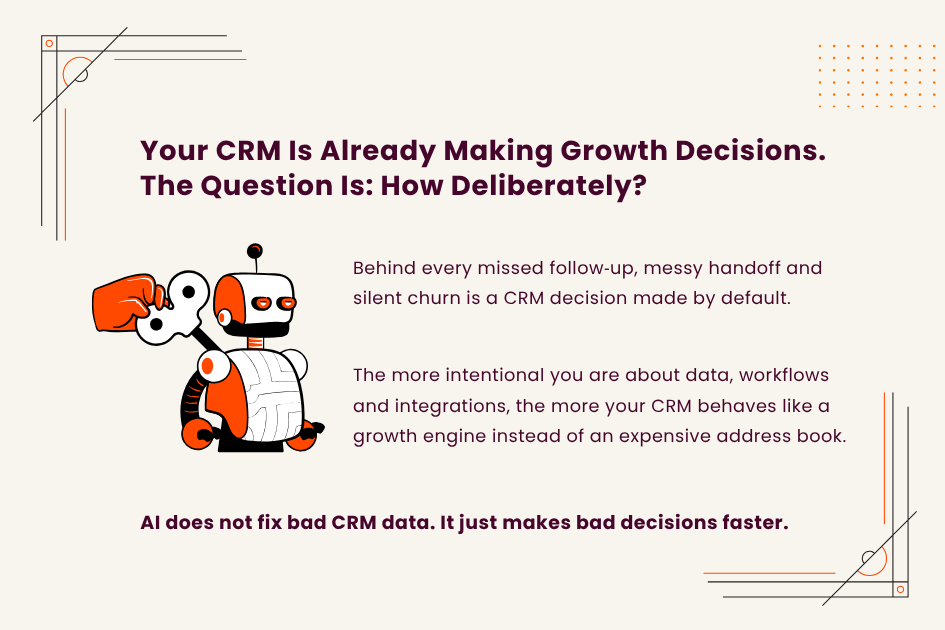
CRM is no longer just a contact database; it is the operational backbone of customer growth as journeys and ecosystems become more complex.
-
When evaluating tools, focus on ecosystem strength, data model, workflow automation, grounded AI, and usability, not just feature lists.
-
Unified data across sales, marketing, service, product, and finance is what unlocks meaningful coordination and automation.
-
AI in CRM is only as useful as the quality and completeness of the underlying data feeding it.
-
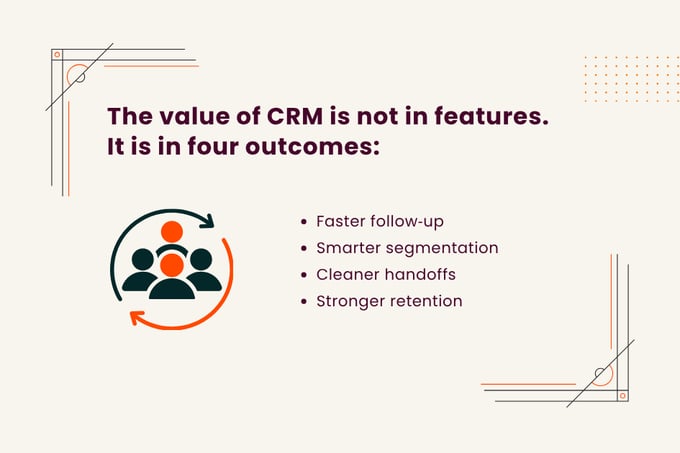
The benefits that actually matter to buyers are faster, more relevant follow‑up, better segmentation, cleaner handoffs, and stronger retention.
Why is having a CRM more important in 2026?
CRM has become more important because customer journeys are now fragmented across channels, devices, and partners, and no single touchpoint tells the full story of a buyer. Customers move between search, social, partner referrals, events, marketplaces, live chat and email, often before speaking to sales at all.
The result is simple: if you do not have one place that pulls these signals together, you will over-contact some leads, ignore others, and misread intent. A modern CRM sits at the centre of this ecosystem. It connects to your marketing tools, support platform, billing system, and product data so that every interaction contributes to a single customer view instead of living in disconnected silos.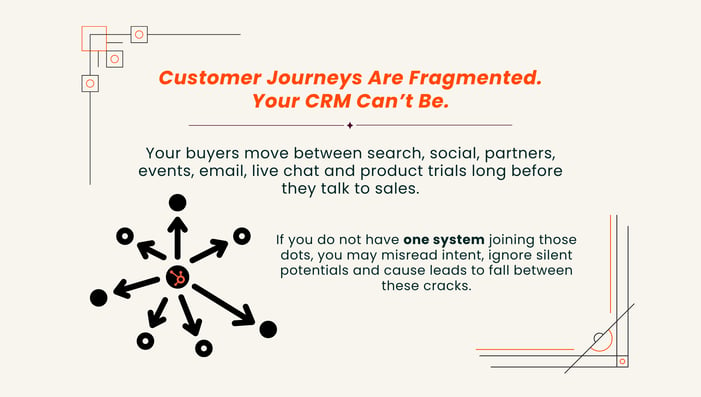
How does unified CRM data improve sales, marketing, and service?
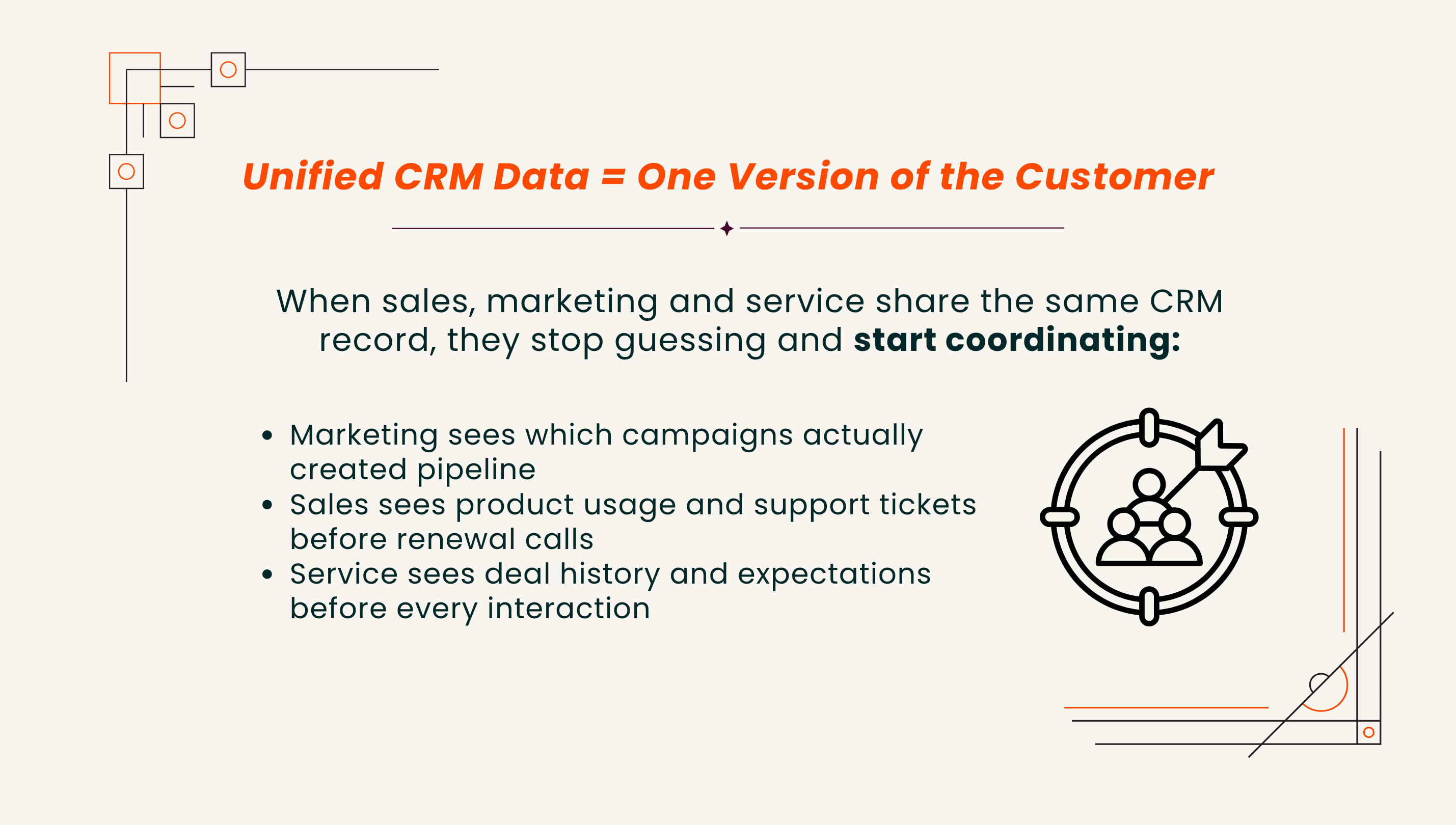
Unified CRM data improves sales, marketing, and service by giving them one shared customer record that drives better timing, targeting, and handoffs.
In practical terms, unified CRM data enables things like:
-
Marketing suppressing existing customers from acquisition campaigns and focusing on upsell instead
-
Sales seeing support tickets before a renewal call, and adjusting tone and offer
-
Service teams viewing deal history and expectations, which reduces “You promised me XXX” dispute
This is also where ecosystems matter. In 2026, strong CRMs act as hubs that connect to ad platforms, customer data platforms, support systems, and billing tools, so data flows in both directions instead of living in silos.
Why AI tools in CRM is only as good as your data
AI features in CRM sound impressive, but they only work well when the underlying data is clean, consistent, and connected. If your CRM is full of duplicates, missing fields, or disconnected records, AI-generated scores, forecasts, or recommendations will reflect that mess.
When data is unified and maintained, AI can add real value by:
-
Scoring leads and accounts based on behaviour and fit
-
Recommending next best actions for sales and success teams
-
Drafting personalised outreach based on customer history
-
Surfacing early churn risks and expansion opportunities
All of this depends on unified, high-quality data flowing into the CRM from your ecosystem tools.
When evaluating AI tools and features, do not just ask “what can it do?”
Ask “what is this model looking at, and is it pulling from clean, trustworthy data in my current setup?”
What practical benefits of CRM that buyers should care about most?
These are some questions and areas you should ask when evaluating CRMs.
1. Faster, more relevant follow‑up
A well‑implemented CRM routes leads from all channels to the right owner quickly, with the right context attached. For example:
-
Web form submissions, chat conversations, event scans, and partner referrals automatically create or update records
-
Rules assign leads based on territory, product interest, deal size, or partner source
-
Alerts notify reps when high‑intent actions occur, such as pricing page visits or trial activations
The result is not just speed, but relevance. Reps reach out quickly with a message that reflects what the prospect actually did, not a generic script.
2. Better segmentation and targeting
Unified CRM data allows segmentation based on reality, not just firmographics. You can build segments (contact lists) like:
-
“Active customers with high usage but no second product”
-
“Stalled opportunities that recently attended a webinar”
-
“Accounts with repeated support escalations and an upcoming renewal”
This level of segmentation supports more precise campaigns, better timing, and more personalised offers, which is where growth comes from.
3. Fewer handoff errors across teams
Handoffs fail when information is lost between systems or hidden in private notes. When CRM is the shared system of record, handoffs can be workflow-driven, not manual.
Think:
-
Sales to onboarding: deal details, expectations, technical notes carried automatically
-
Onboarding to success: product usage milestones and risk flags visible in one view
-
Success to marketing: advocates and case study candidates tagged directly in CRM
Instead of “starting from zero” at each stage, this makes passing leads to the next team team smoother. The next team picks up the story where the last one left off. This is not one of those flashy and exciting features, but it quietly reduces churned user rates and prevents misalignment.
4. Stronger retention and expansion
Retention improves when the teams responsible for renewals and upsell can see a full picture of value, risk, and engagement. A well-implemented CRM can combine billing data, usage signals, NPS, and support history so account teams can act before problems become legacy issues.
This can bring benefit in several areas:
-
Customer success can act before problems become cancellations
-
Account managers can spot expansion opportunities and introduce the right offers
-
Leadership can see which patterns predict churn or growth and design playbooks accordingly
What to look for in a CRM if you want growth
Here are the CRM factors that are becoming increasingly critical for businesses.
1. Strong ecosystem and integrations
Look for a CRM that sits at the centre of an ecosystem, not one that tries to do everything in a closed box. Look for:
-
Native integrations with your marketing, support, billing, and product tools
-
Reliable sync of contacts, companies, deals, activities, and custom objects
-
The ability for the CRM to be the primary customer system of record
If the CRM cannot connect cleanly to your existing ecosystem, you will struggle to get the unified view you are buying it for.
Translate HubSpot’s capabilities into a roadmap your team can actually follow
Partner with NetFarmer to turn high‑level goals into a phased implementation and integration plan, with clear priorities and realistic next steps.
2. Unified data model, not just “custom fields”
A CRM that supports growth will have a clear way to model people, companies, deals, activities, and custom objects, and link them in a meaningful way. Simply adding custom fields on contacts and calling it “flexible” is not enough.
Prioritise:
-
Clear relationships between people, companies, deals, activities, and custom objects
-
Support for custom objects like subscriptions, locations, or assets when needed
-
Governance features such as required fields, validation rules, and deduplication
This is where serious buyers differentiate platforms that scale with them from those that only work in simple use cases.
3. Workflow automation as a first-class capability
Growth-focused CRM should let you automate processes across teams, not just send basic notifications. This means visual workflow builders, triggers from multiple data sources, and clear error handling. Good signs include:
-
Visual builders that non‑developers can use
-
Triggers based on form fills, property changes, product events, and support actions
-
Cross‑team workflows that move information and ownership smoothly
If you can sketch your process on a whiteboard, you should be able to map most of it into the CRM without building everything from scratch.
4. AI grounded in your data, not gimmicks
Seek AI features that clearly map to business outcomes: better qualification, improved forecasting, smarter routing, and personalised content. Avoid shiny demos that do not explain what data is being used, how it is trained, or how you can control it.
Questions to ask vendors:
-
What specific CRM fields and events does your AI use?
-
Can we see or adjust the logic behind scores and recommendations?
-
How can we correct the system when it is wrong, so it improves over time?
This is where buyers can be more demanding. It is not enough for AI features to exist; they need to be transparent, controllable, and aligned with how your teams actually work.
5. Usability and adoption for frontline teams
The best CRM is the one your teams willingly use every day. Look for:
-
Clean, intuitive interfaces that minimise clicks for common tasks
-
Role‑based views for sales, marketing, service, and leadership
-
In‑context automation that removes manual admin instead of adding more fields
A thought‑provoking way to frame this: the real ROI of a CRM often comes from dozens of small daily behaviours that compound, not from one headline feature. Usability is what makes those behaviours stick.
Ready to make HubSpot the backbone of your customer growth?
Book a call with NetFarmer to design and implement a HubSpot setup that connects your tools, automates your workflows, and surfaces the signals that matter.
A CRM decision in 2026 does not have to feel overwhelming. Once you see it as core growth infrastructure rather than a line item, the path becomes clearer: unify your customer data, automate the workflows your teams actually run, and choose a platform that can grow with your ecosystem.
Do that, and your CRM stops being another tool to manage and starts behaving like the quiet system that keeps every campaign, conversation and customer relationship moving in the same direction.
.png)